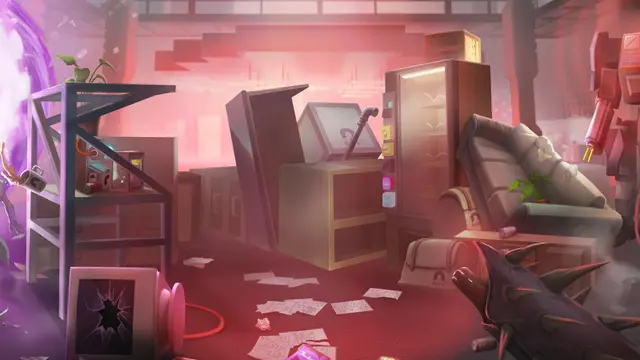
Abiotic Factor supports full six-player online crossplay between Windows PC, PlayStation 5 and Xbox Series X|S. Publisher Playstack confirmed the feature when version 1.0 launched on July 22, 2025. Groups can also join worlds with official mods introduced in update 1.5, but PC and console players should pay close attention to game builds and incompatible unofficial mods.
Can Steam, PS5 and Xbox players join the same Abiotic Factor world?
Yes. Playstack's official 1.0 announcement explicitly says the game launched on consoles with full crossplay. Its multiplayer supports up to six scientists in one shared facility. This is a confirmed feature, not a roadmap promise. Deep Field Games also describes crossplay as optional for console players in its original console announcement. If a console friend cannot see your session, check the game's crossplay setting before assuming the platform combination is unsupported.
How do you prepare a cross-platform session?
- Confirm every player has a supported copy of Abiotic Factor on Windows PC, PS5 or Xbox Series X|S.
- Install current game updates on clients and, when applicable, the dedicated server. Different platforms can display differently formatted build identifiers; compare the documented game version rather than assuming identical storefront-specific build IDs.
- The host opens a multiplayer world or the group selects a supported server. Console players should enable crossplay if they intend to connect outside their platform.
- Use the game's multiplayer joining interface or the server's documented connection details to enter the same session. The official material confirms crossplay but does not promise identical menu labels or invite methods on every store and console.
- If the world uses official mods, review the server's mod list and accept the installation prompt before entering.
Crossplay does not mean every third-party modification is compatible with every platform. The official mod system and unofficial PC mods are different categories.
How do you join an Abiotic Factor server with official mods?
Community Update #5, released in October 2026 as version 1.5, adds an in-game mod browser based on mod.io. Deep Field's official How to Install Mods guide documents the following joining flow:
- Choose Join for the intended server or world.
- When a server uses supported official mods, a popup shows its required mod list.
- Select Continue to let the game download and enable the required content automatically.
- Once the download finishes, the game proceeds into the hosted world.
Official mods are offered on PC, Xbox and PS5. Some cosmetic-only mods are marked Local Only; other players may see default cosmetics if they have not installed the same customization. A crossplay session does not automatically make every personal visual mod visible to everyone.
Why do unofficial mods cause crashes or joining errors?
The developer warns that many older unofficial mods can break after the 1.5 mod-system changes. Those unofficial files do not appear in the new in-game browser, and content they add must still be installed manually by every relevant client. If the game crashes with a fatal error, Deep Field advises uninstalling unofficial mods; leftover files may remain even after a mod seems removed. Official mods can also be temporarily disabled until their authors publish compatible updates.
For a long-running co-op world, preserve a save backup before changing its mod list. Removing a previously enabled official mod can delete its associated items or placed objects from that save, and the developer does not guarantee that every save remains stable after a mod is removed. The version 1.5 developer patch notes explain these restrictions in detail.
Crossplay or modded-server connection not working? Check these first
- Different game versions: Update each client and the server. Version 1.5 and subsequent hotfixes have separate platform build identifiers.
- Crossplay disabled: On consoles, verify the setting when joining PC or another console family.
- Official mod incompatible: Check whether the game disabled it after an update, then wait for the mod author to release a supported version.
- Unofficial mod remnants: Remove outdated unofficial modifications and investigate remaining files if crashes persist.
- Damaged save: Preserve backups first. The October 30 repair addressed one specific mod-related corruption issue and did not promise recovery for every damaged world.
The Abiotic Factor game profile has the complete co-op overview. For running your own world, use our dedicated-server guide; for the latest save-repair caveats, read the mod-related hotfix report.