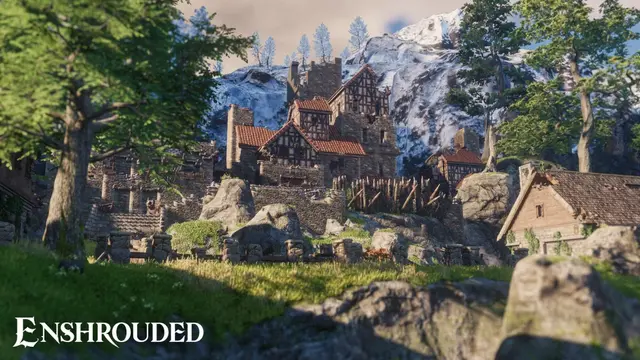
You can move an Enshrouded world from a local game to a dedicated server without intentionally starting over. The safe approach is to copy the complete set of files for the selected world while both game and server are stopped, then test the result before removing any original data. World progress and character progress are different: do not assume a world transfer also transfers character data.
Find the Enshrouded world saves
Keen Games lists %USERPROFILE%/Saved Games/enshrouded for local Windows saves. With Steam Cloud enabled, check the associated cloud-storage location and which copy is current. A dedicated server saves worlds inside the directory configured by saveDirectory in enshrouded_server.json, which defaults to ./savegame. Rental hosts may expose this through a file manager.
Identify the correct world
World save filenames are fixed hex values based on their slot: world 1 is 3ad85aea, world 2 is 3bd85c7d and world 3 is 38d857c4. Each world can include numbered rolling saves, an -index file and _info metadata. Treat these as a related set rather than copying one file at random.
Transfer the world safely
- Close Enshrouded on the original PC and let Steam Cloud synchronization finish.
- Back up the entire local save folder somewhere outside the active game directory.
- Start the dedicated server once so it creates the configured save directory, then stop it cleanly.
- Back up any world already present on the server.
- Copy the matching selected-world save files, numbered copies, index and metadata to the server's
saveDirectory. - Restart the server, join and check the expected constructions, world areas and quests. Retain the originals until the group confirms the result.
If the wrong world loads
Check the world slot, the server's configured save path and whether the matching index and backups were copied. To revert, stop the server first. Keen Games documents that the latest value of a world's -index file can be changed to select an earlier numbered rolling copy (0–9). Make a fresh backup before editing that file.
Related setup
For initial installation, access roles, ports and server slots, see the Enshrouded dedicated server setup guide. Keep separate character backups; moving a world is not a substitute for character preservation.