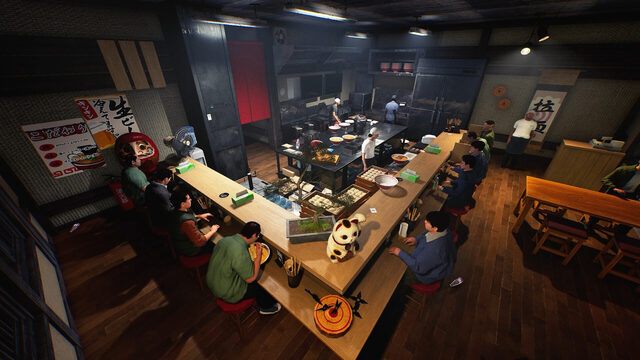
Japanese Ramen Simulator added a multiplayer networking selector on October 30, 2026. Up to six players can now choose between EOS and Steam Networking, but everyone in a session must use the same mode for the invitation to work.
How do you join after changing the network mode?
Open Options and select your preferred multiplayer networking mode. Restart the game after switching, and have the host generate a fresh invitation code. Every other player needs to select that same mode. If someone enters a code from another mode, the game now offers to switch and restart; after relaunch, the code is filled in and the player can select Join.
This is a specific compatibility requirement for the invitation system. It is not an announcement that all possible storefront combinations are newly supported. The developer also fixed an issue where dishes on shelves could appear shifted or fall on the joining player's side, making shared kitchen work less confusing.
Read the October 30 developer notes for the changes, or open our game profile for an overview of its co-op features.