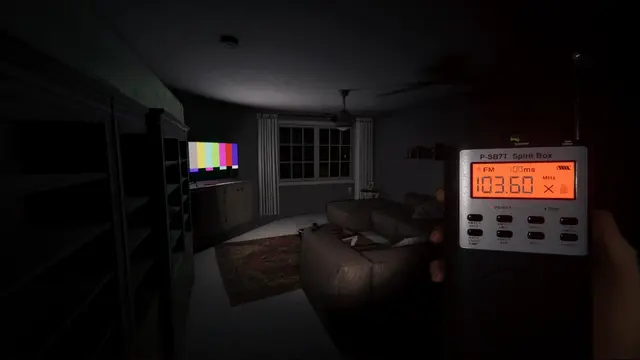
Phasmophobia supports cross-platform online co-op, allowing teams of up to four investigators to play together across supported PC and console versions. Kinetic Games confirms cross-platform multiplayer on the official game page. The game does not become local split-screen co-op just because multiple players can join an online lobby.
Can PC, PlayStation 5 and Xbox Series players join the same lobby?
Yes. PC, PS5 and Xbox Series X|S players can participate in the same crossplay lobby, subject to current game updates and their platform's online multiplayer requirements. This is an online session, so each player needs their own supported device and game access. Platform storefront availability and subscriptions should be checked on that platform's official listing rather than assuming all versions use identical requirements.
How to start a crossplay session
- Update the game on every platform, especially if one player has just received a patch.
- Start Phasmophobia and go to the multiplayer lobby interface.
- The host creates a private multiplayer lobby and shares the lobby invitation code shown in game with the other players.
- Everyone else chooses the game's join-private-session option and enters the code correctly. Check lobby region if the game presents a regional selector.
- Before launching a contract, confirm that all party members are visible, have selected their equipment and can communicate.
The interface wording can change between game versions. Use the current on-screen labels if they differ from the descriptive steps above.
What about voice chat across PC and console?
Phasmophobia's proximity communication and investigative voice mechanics are part of play. A party connection does not guarantee that all microphones are configured correctly. Ask each player to check their platform input device, in-game voice settings and microphone permission. If voices are missing on one platform, compare the current official patch notes and known issues before concluding that crossplay itself is unavailable.
Why can't a friend join my lobby?
Start with the most direct causes: a mistyped or expired lobby code, a full four-player lobby, an outdated game build or different selected regions. Check platform service status and applicable online permissions. Recreate the private lobby and send a new code; if that fails, test a different host and disable unnecessary VPN or network filtering for diagnosis. These are troubleshooting checks, not confirmation that any single setting caused the problem.
Does crossplay share saved progression?
Being able to play together does not establish cross-save or cross-progression support between different platform accounts. Do not assume that progression transfers from Steam to a console just because online multiplayer is cross-platform. Refer to the platform's and developer's current account and save documentation before switching devices.
For current limited-time challenges, see the Phasmophobia Crimson Eye 2026 event guide; seasonal event access and multiplayer compatibility are separate topics.