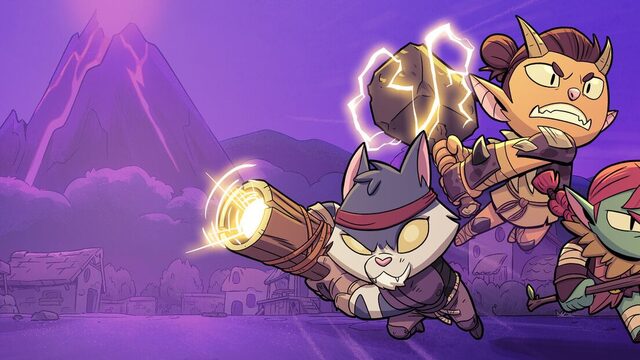
Rotwood lets you play alone or with up to three friends, for a total of four players. Klei Entertainment documents several ways to organize co-op groups: directly joining friends, game codes, Steam Community Groups and, on Nintendo Switch 2, public or friends-only games. Klei's matchmaking documentation describes the available methods.
Join friends directly
On Steam and Nintendo Switch 2, Rotwood can display friends who are currently online, allowing you to join an eligible game directly. On Steam, this is subject to Steam's privacy settings: profiles marked private do not appear in this particular friend view.
Invite friends using a game code
Rotwood generates a special code for the host when they create a session. You can share it privately with friends:
- The host creates a game.
- Send the generated code to the players you want to invite.
- Those players select Join a Game.
- They enter the game code.
Anybody who has the code can join as long as there is room in the group. Treat it as an invitation credential and do not publish it unnecessarily if you want a private game.
Switch 2: Public or friends-only games
When hosting on Nintendo Switch 2, Klei documents Public Game, which allows other eligible players to discover the game. Select Show to Friends instead if you want the game to be visible to friends. Nintendo lists up to four players on one Switch 2 and up to four players in local multiplayer.
Find players through Steam Groups
Rotwood also integrates Steam Community Groups. Hosts can decide which groups are allowed to access their session. Other members can choose a group in the joining menu and be matched with an eligible session listed for that group.
This provides an alternative to sending individual invitations and lets Steam communities organize their own multiplayer groups.
Invite players through Discord on Steam
Klei also documents Discord invitations. While Rotwood is running and you are hosting, open an eligible Discord channel and use the plus button to send an Invite [Channel] to Play Rotwood invitation. People who can view that channel can use the invitation to join the game.
Couch co-op and local multiplayer
Steam lists Shared/Split Screen Co-op and Remote Play Together. Nintendo lists one to four players on a single Switch 2 console and one to four players in local multiplayer. Controller availability and supported layouts should be checked on the platform you are using.
Does Rotwood support Steam-to-Switch 2 crossplay?
Not explicitly confirmed by the primary documents reviewed. Klei lists Steam and Nintendo Switch 2 together when explaining friends lists and game codes, but it does not expressly say those mechanisms connect Steam players with Switch 2 players in a shared session. The current platform FAQ only confirms availability on both systems.
Do not treat a common matchmaking help page as a platform-to-platform compatibility guarantee until Klei directly confirms crossplay between Steam and Switch 2.